
See which screen is shared
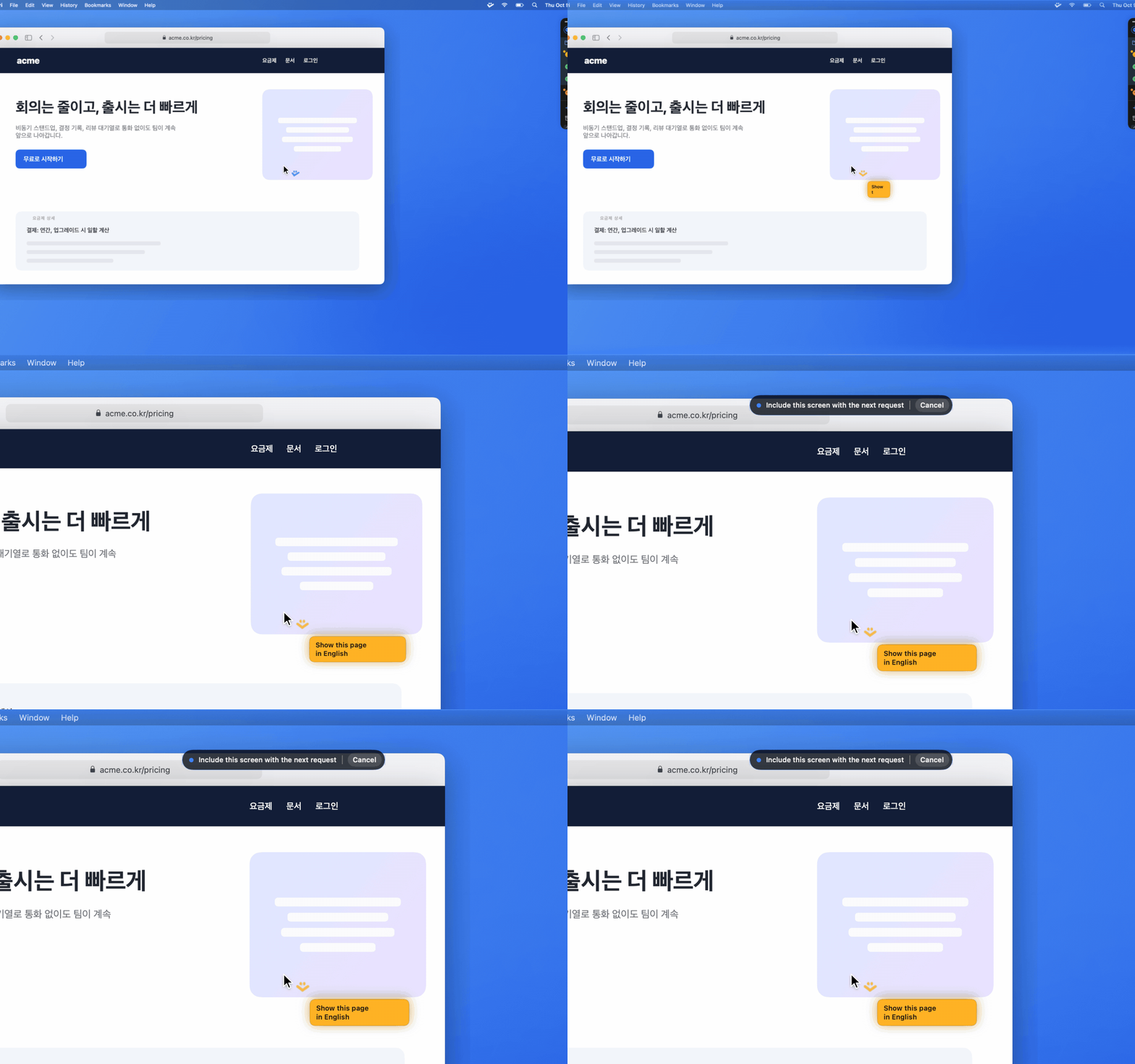
While you hold Push-to-Talk or have Quick Input open, the edge of every screen that goes with your request glows blue. A capsule at the top reads “Include this screen with the next request.”
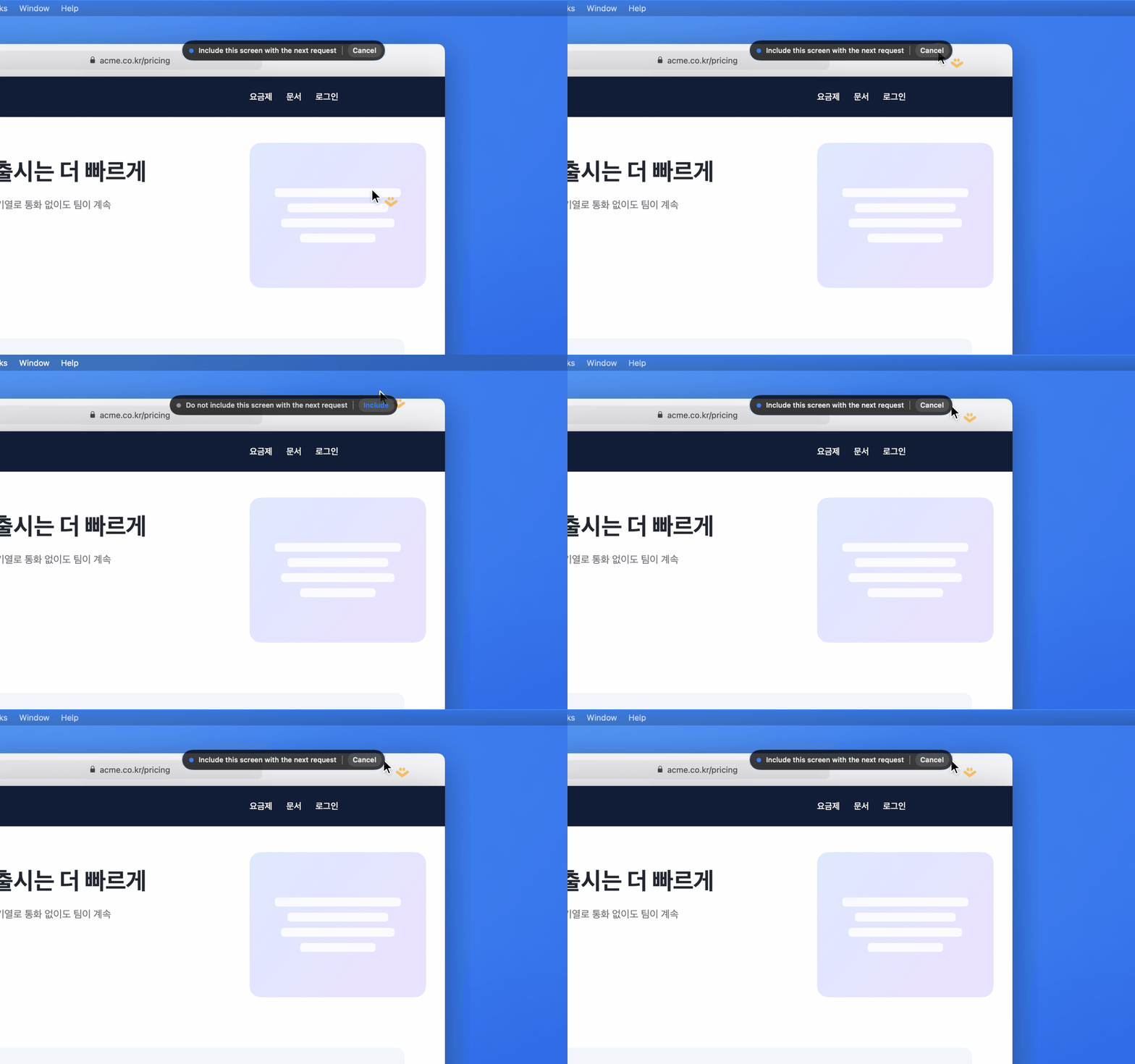
Click Cancel on the capsule to leave this screen out of the request; the blue edge goes away. Click Include to put it back. With several displays, each one gets its own capsule.