
Connect an MCP server
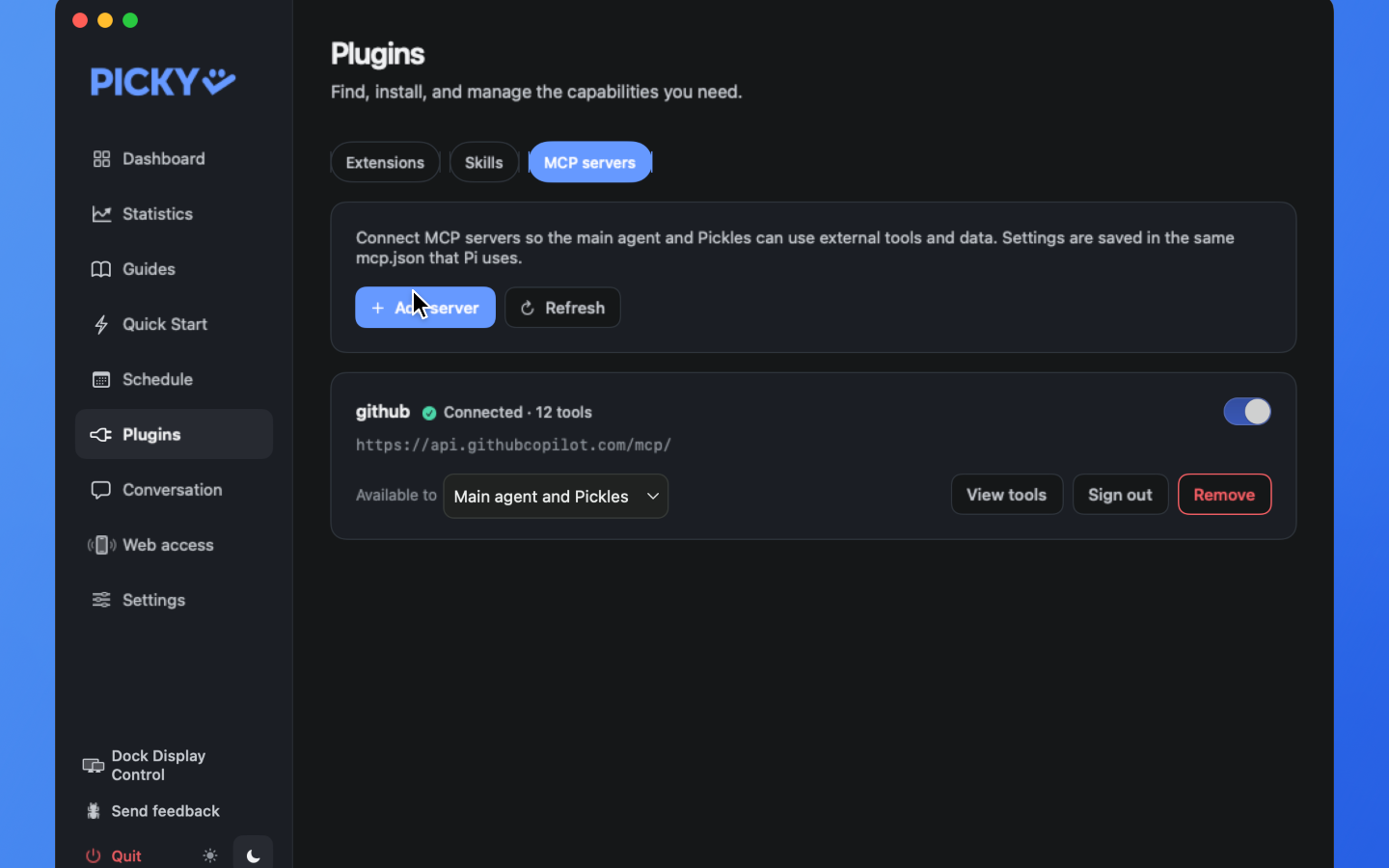
In Hub, open Plugins, then the MCP servers tab, and press Add server. Enter one server entry and a name, or paste a whole mcpServers block from another app.
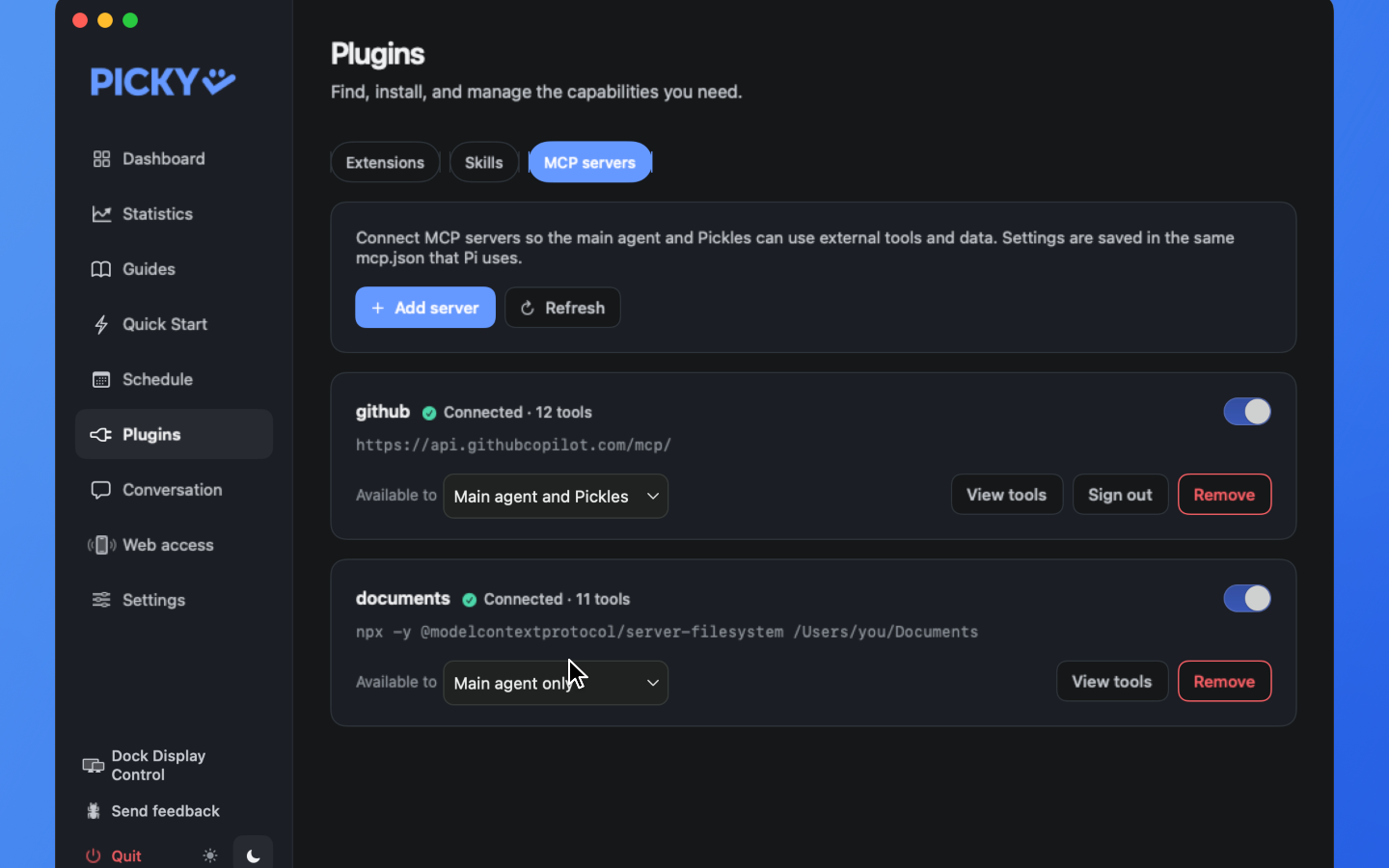
The new server appears with its connection state and tool count. Set Available to → Main agent only and Pickles won’t use it. Changes apply to live sessions automatically.