
Hand a Pi session to Picky
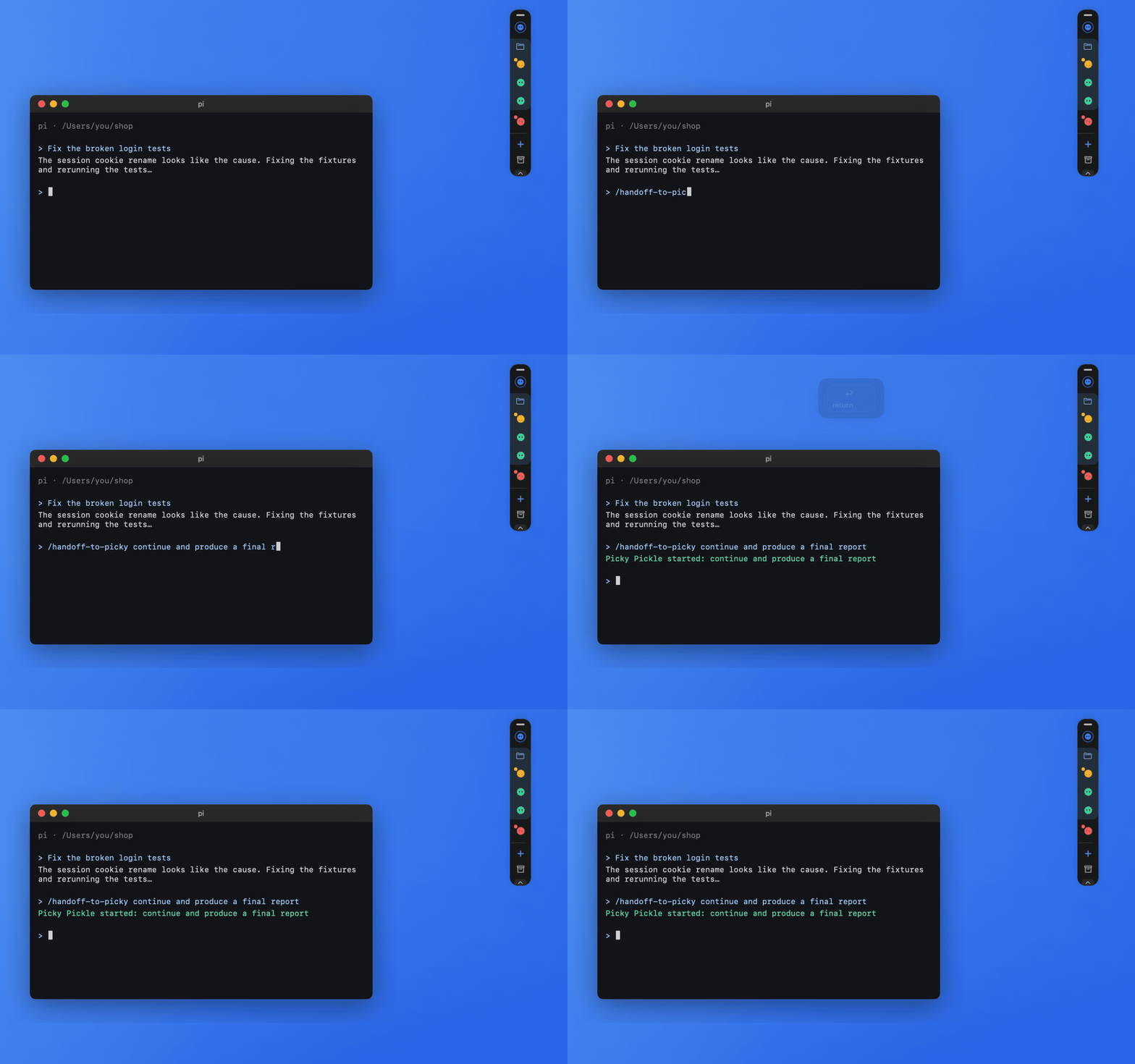
While working in a Pi terminal, type /handoff-to-picky followed by what to do next. If Pi is busy and you give no instruction, continue is sent. Install “Pi conversation handoff” from Hub → Plugins first and run /reload in Pi once.
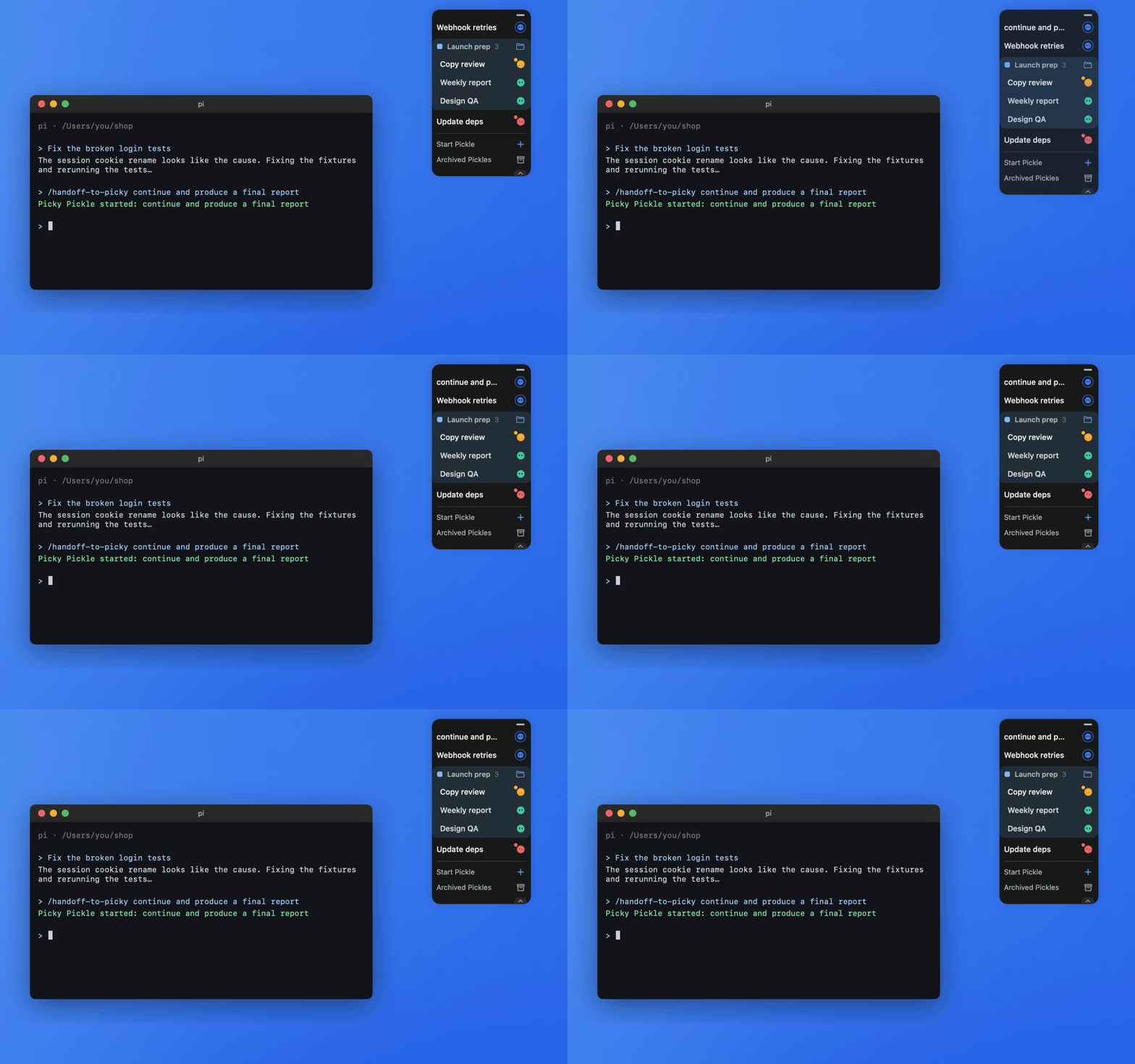
If Pi is mid-turn, it stops that turn and Picky creates a new Pickle in the Dock. Pi prints the new Pickle’s title. If Pi is idle, nothing new runs: Picky pins a completed Pickle card in the Dock instead.
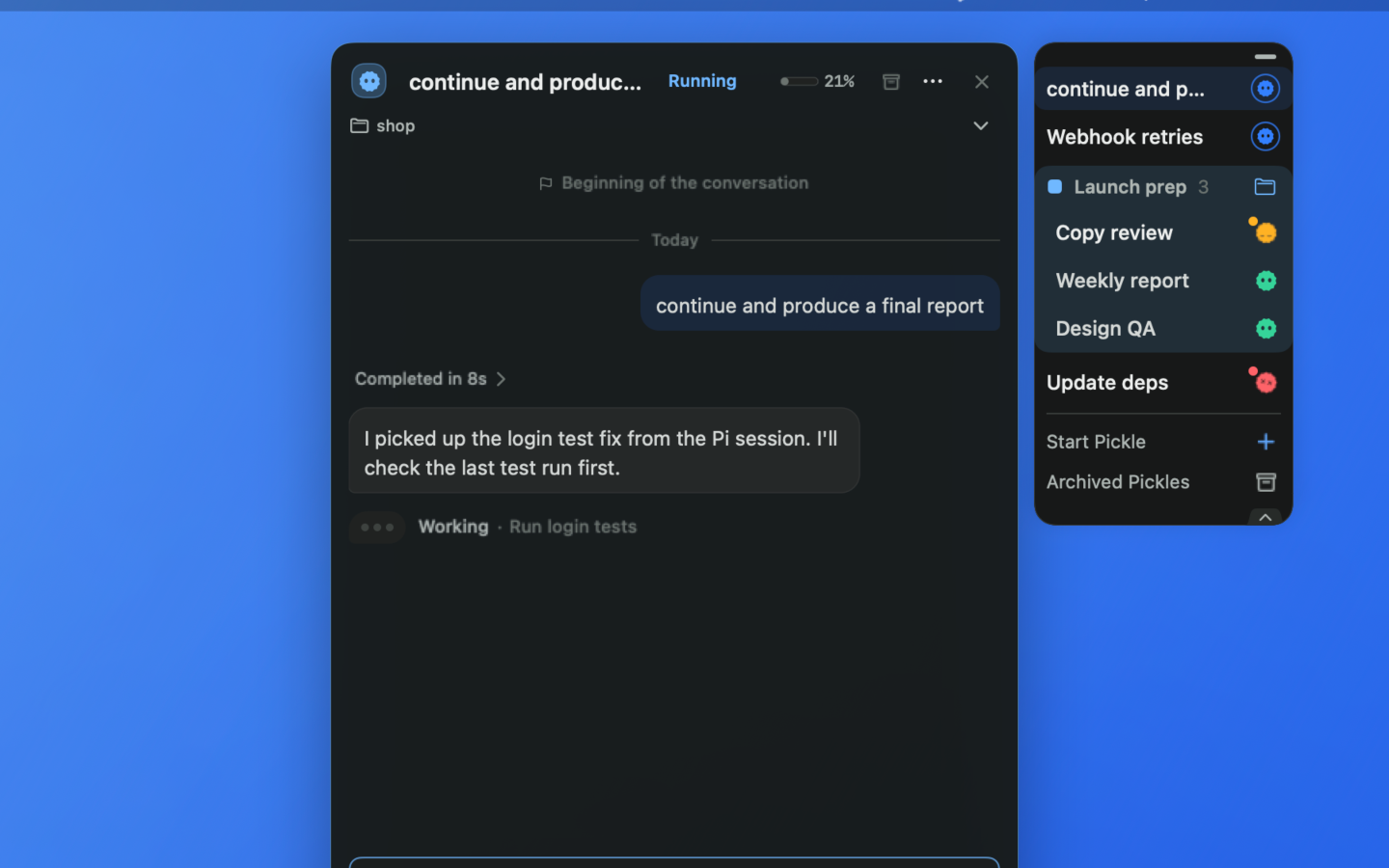
Open the new Pickle from the Dock: your instruction is its first message and the work continues right away. The Pi session file, working folder, and recent messages come along as context.