
Install a plugin
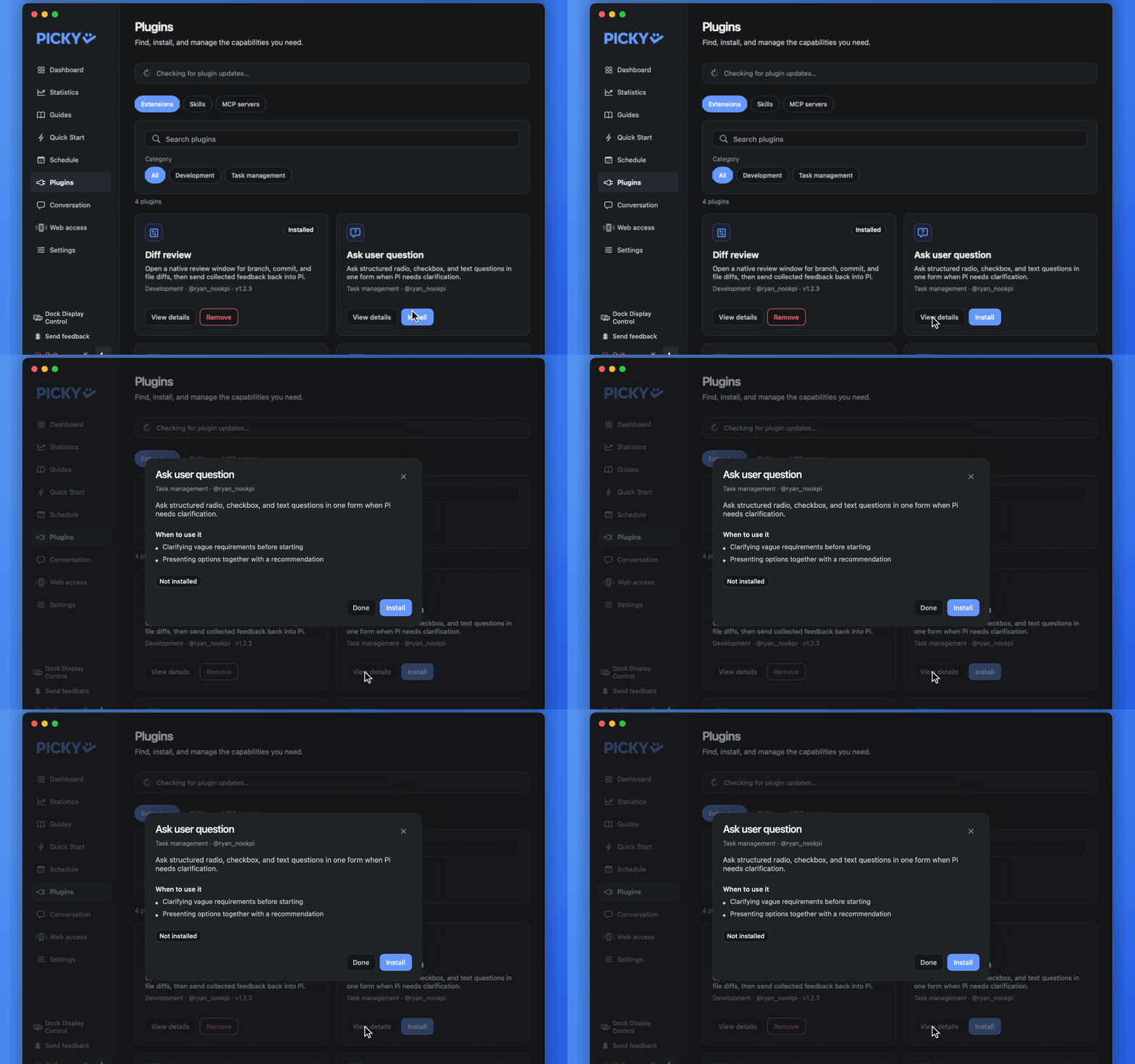
Find a capability on the Plugins page in Hub. Search by name or command, or filter by category. Click “View details” on a card to see what it does and when to use it.
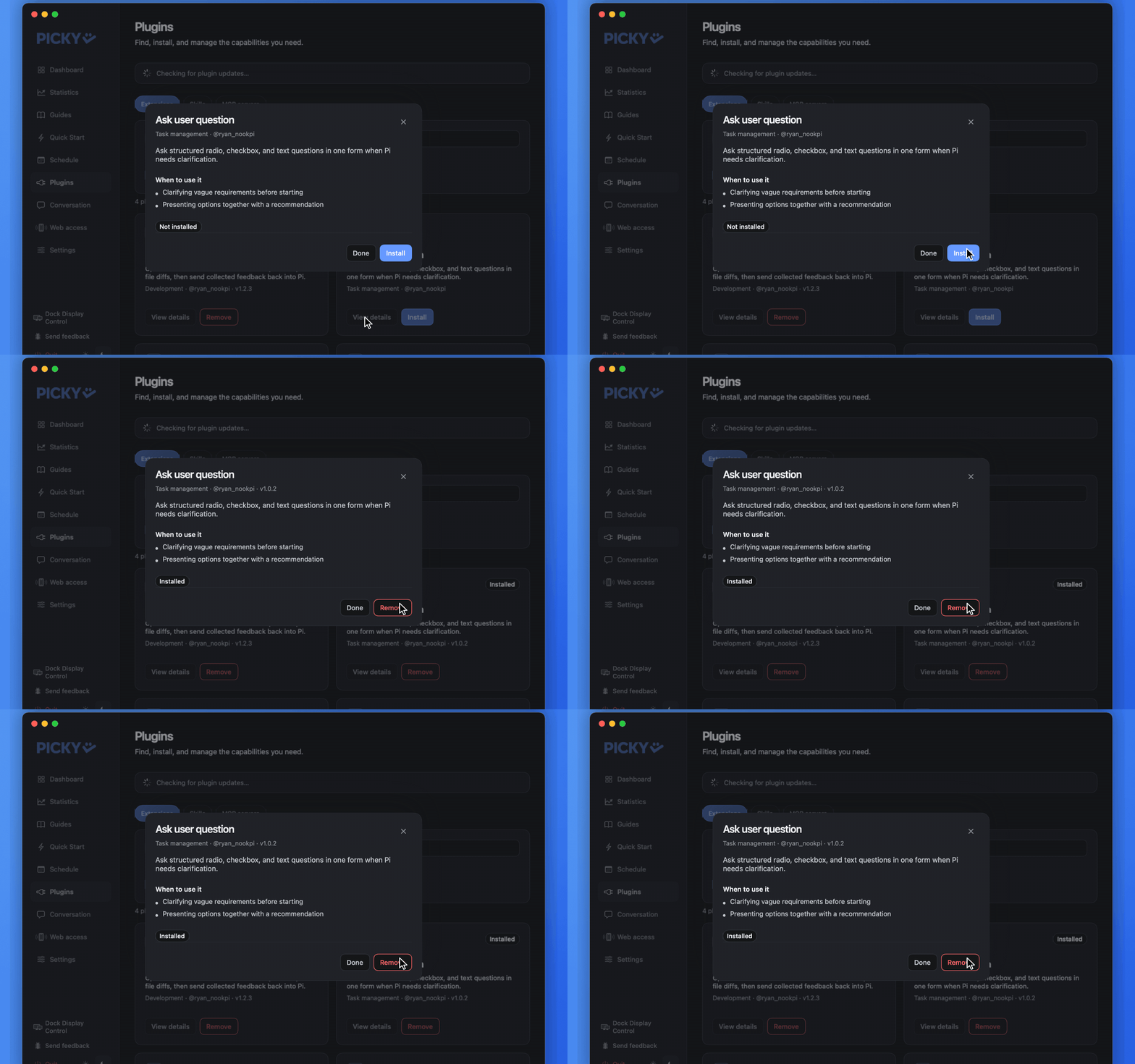
Click Install. If a tool or skill with the same name already exists, Hub flags the duplicate and offers Remove duplicates instead of Install.
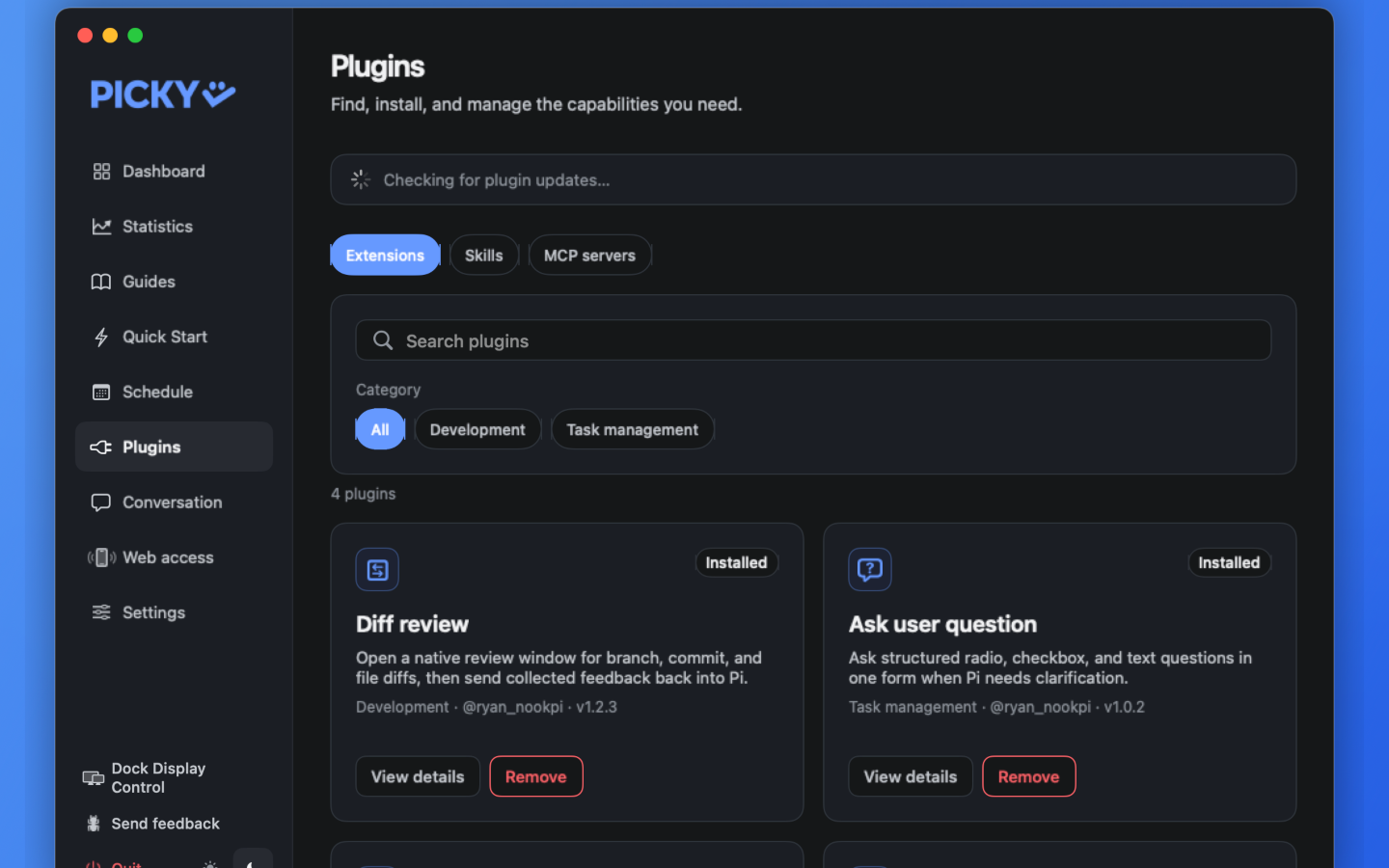
When it finishes, the card shows “Installed”. The change applies to Picky and every live Pickle automatically. A session that is working picks it up when its current turn ends, so no work is aborted.