
Get notified when it's done
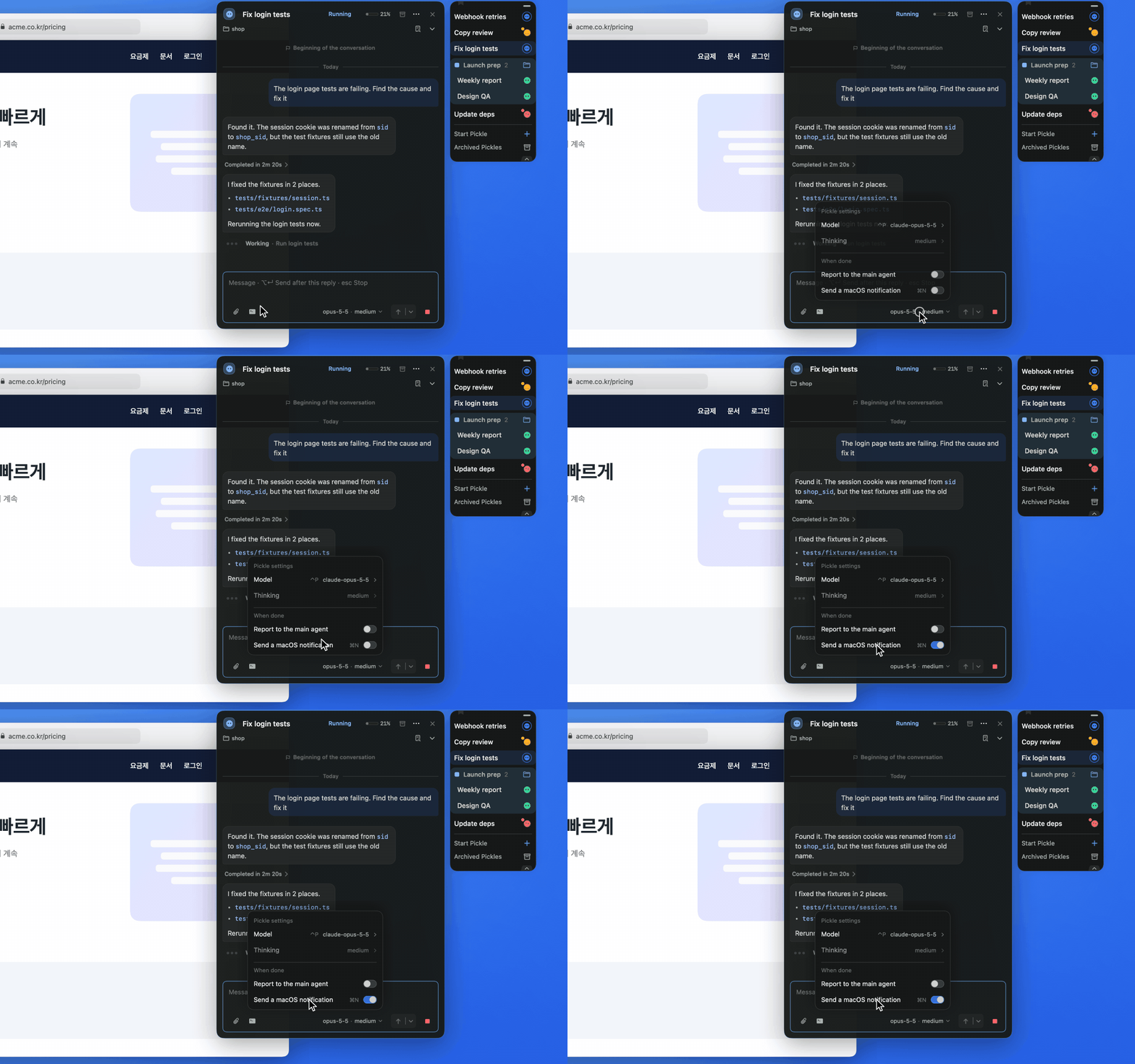
Open the settings chip (model and thinking level) under the card to find “When done”. Turn on “Send a macOS notification” and you get an alert when this Pickle finishes; “Report to the main agent” reports completion to the main agent instead. Both are off by default.
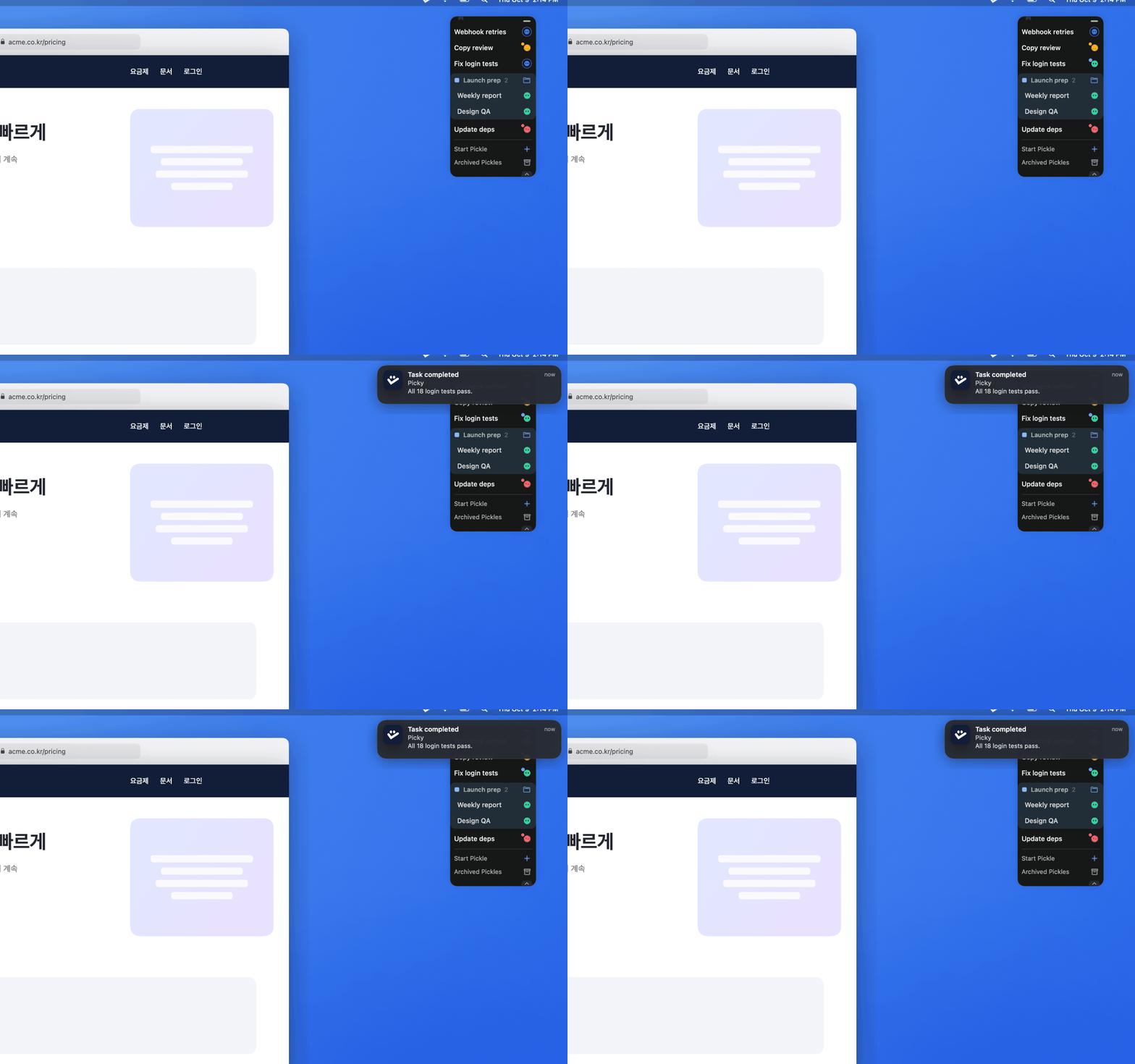
When a Pickle finishes, its Dock icon switches to the completed state with a blue unread dot. If macOS notifications are on for it, a banner also appears while its card is closed.
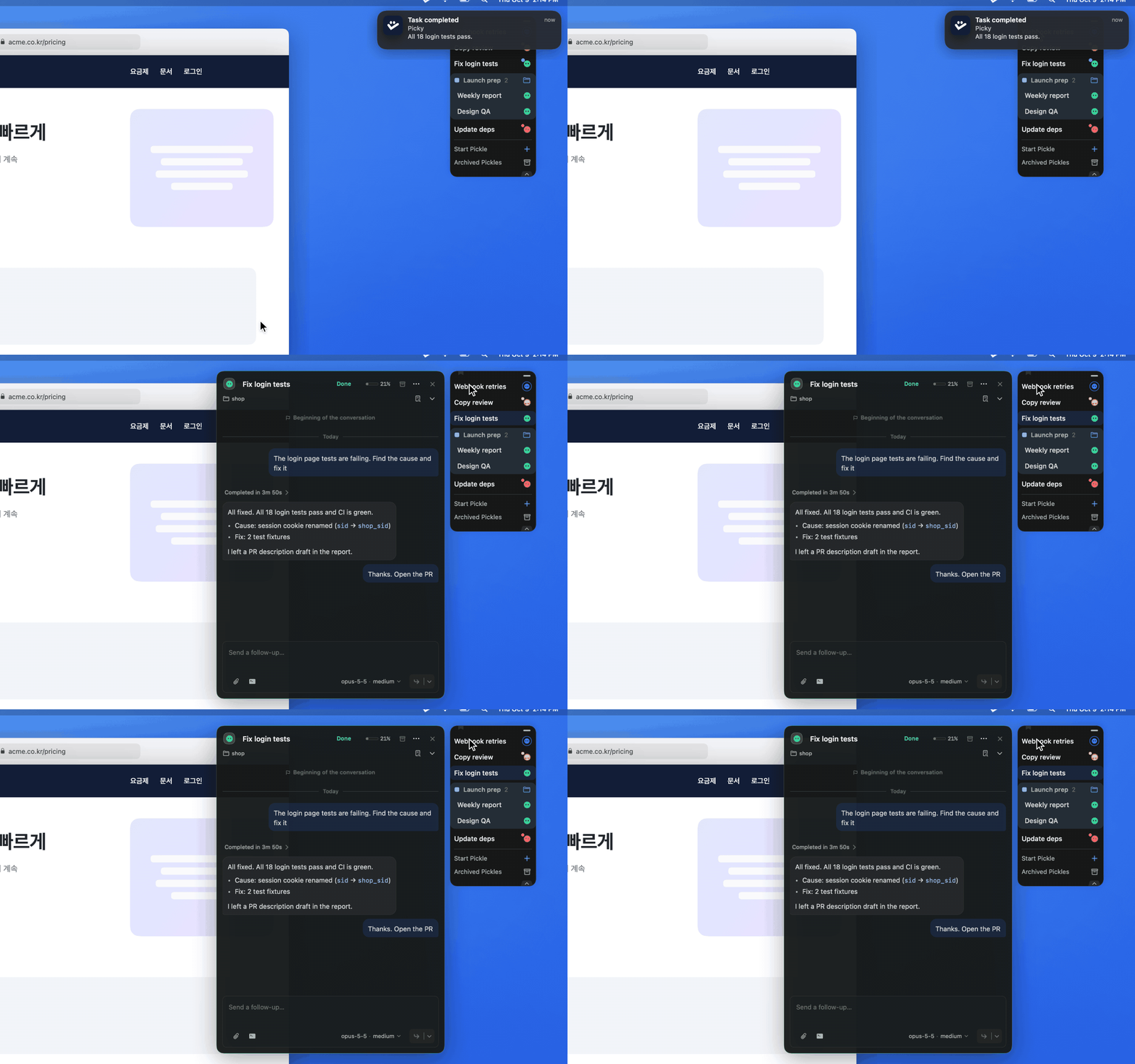
Click the notification to open that Pickle’s card right away, without opening Hub.