
Mark the screen while you ask
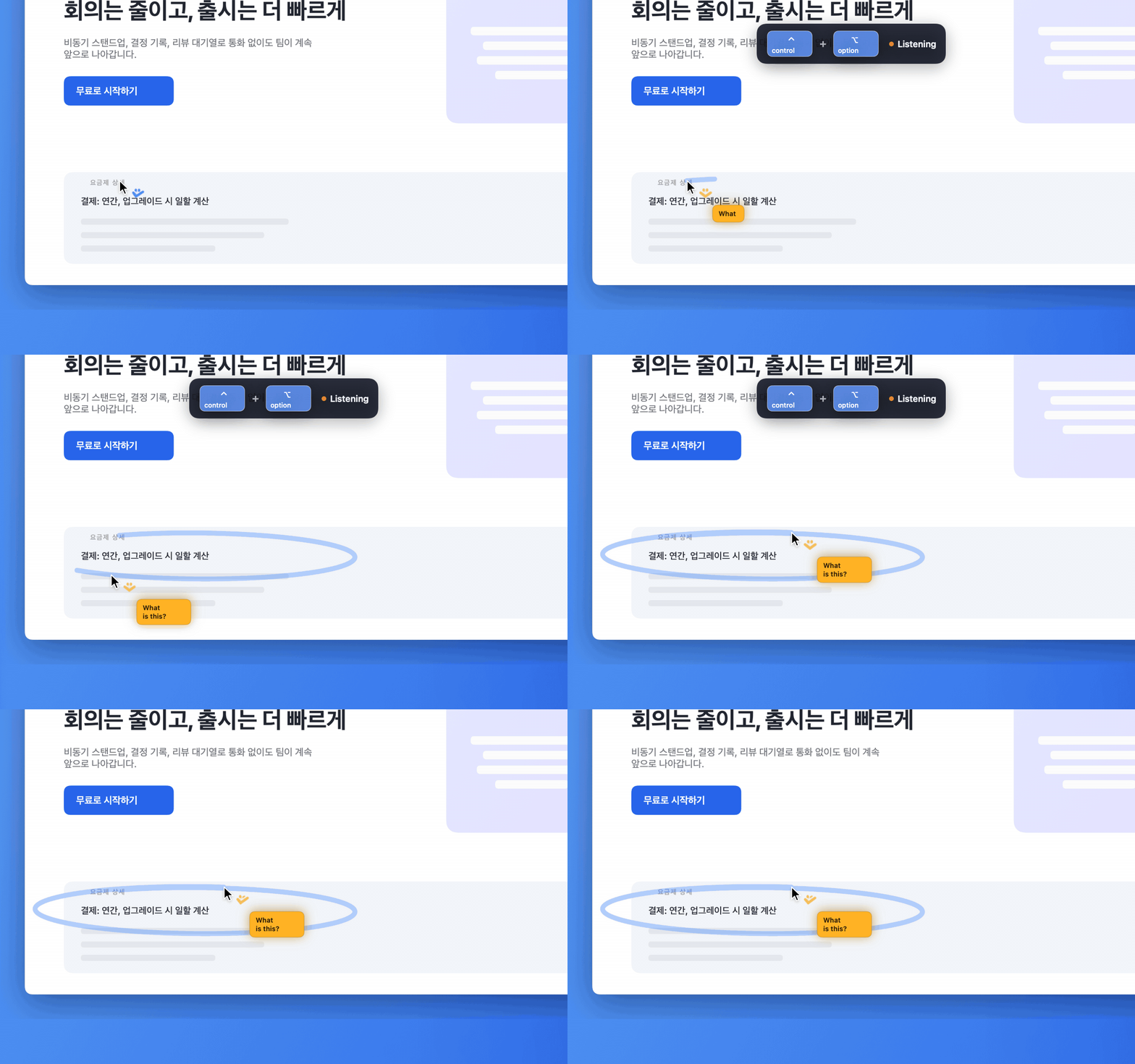
Hold the Push-to-Talk shortcut (Control + Option by default), talk, and mark the screen. A click leaves a dot; a drag draws a freehand stroke. You can draw the same way while Quick Input is open.
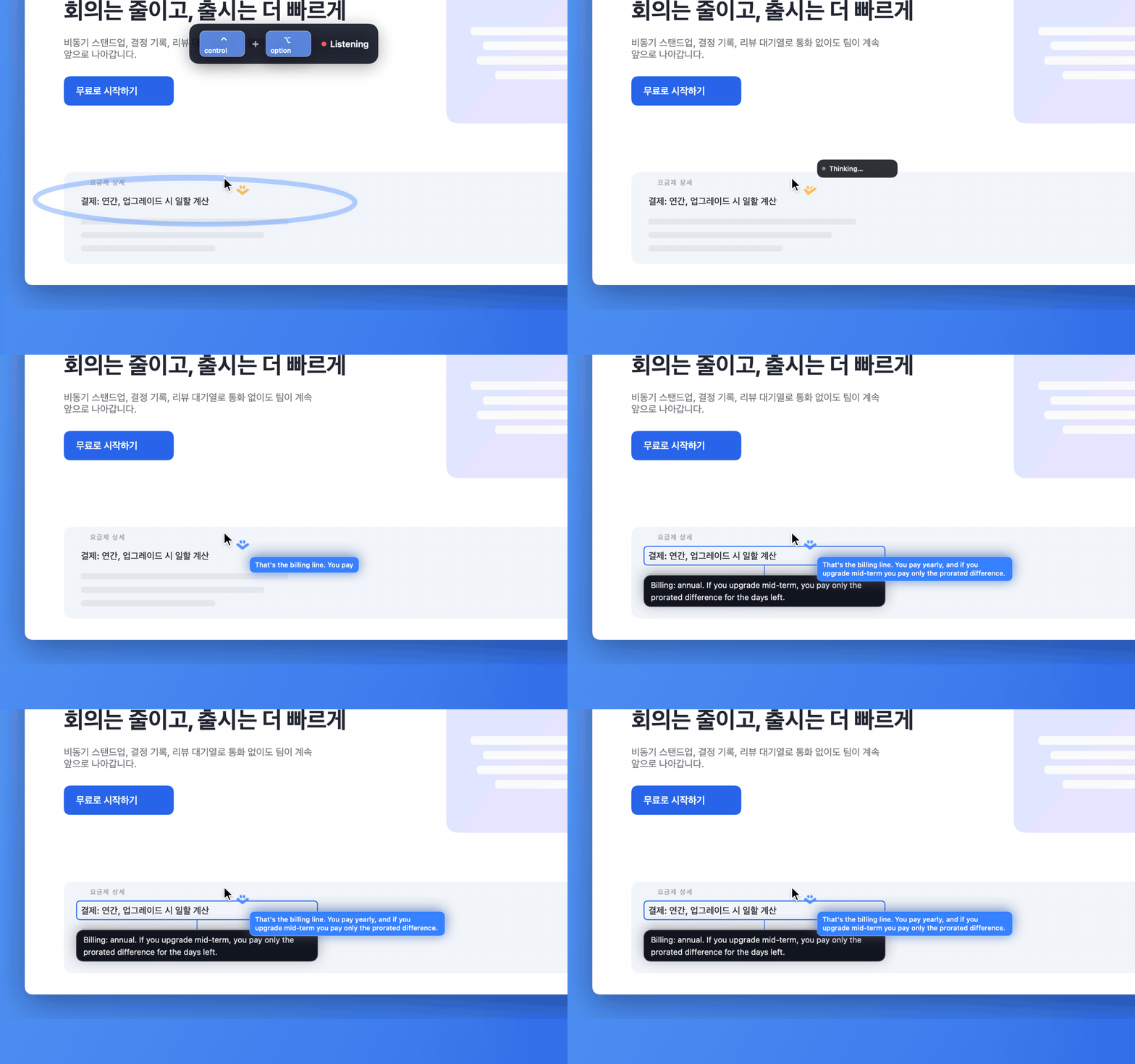
Let go and your marks are mapped onto the screenshot and sent with the request. The answer can point right at the area you marked.